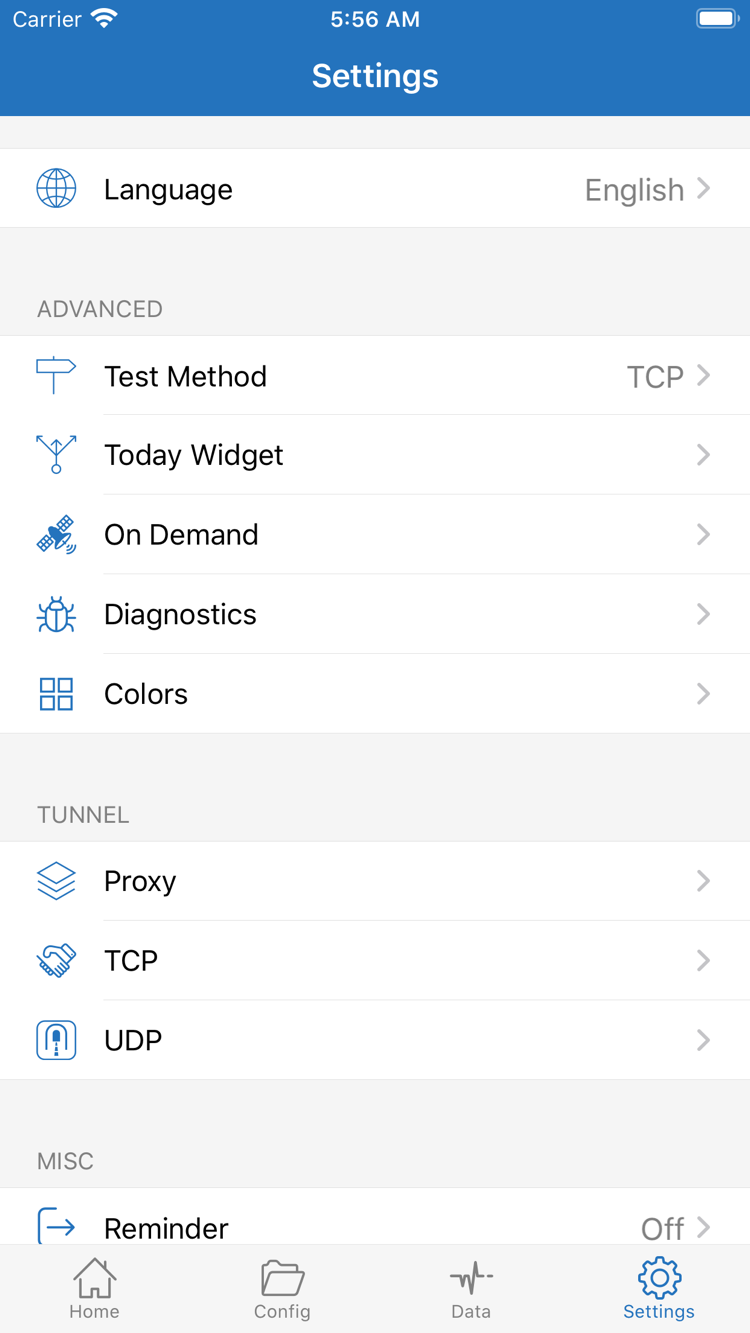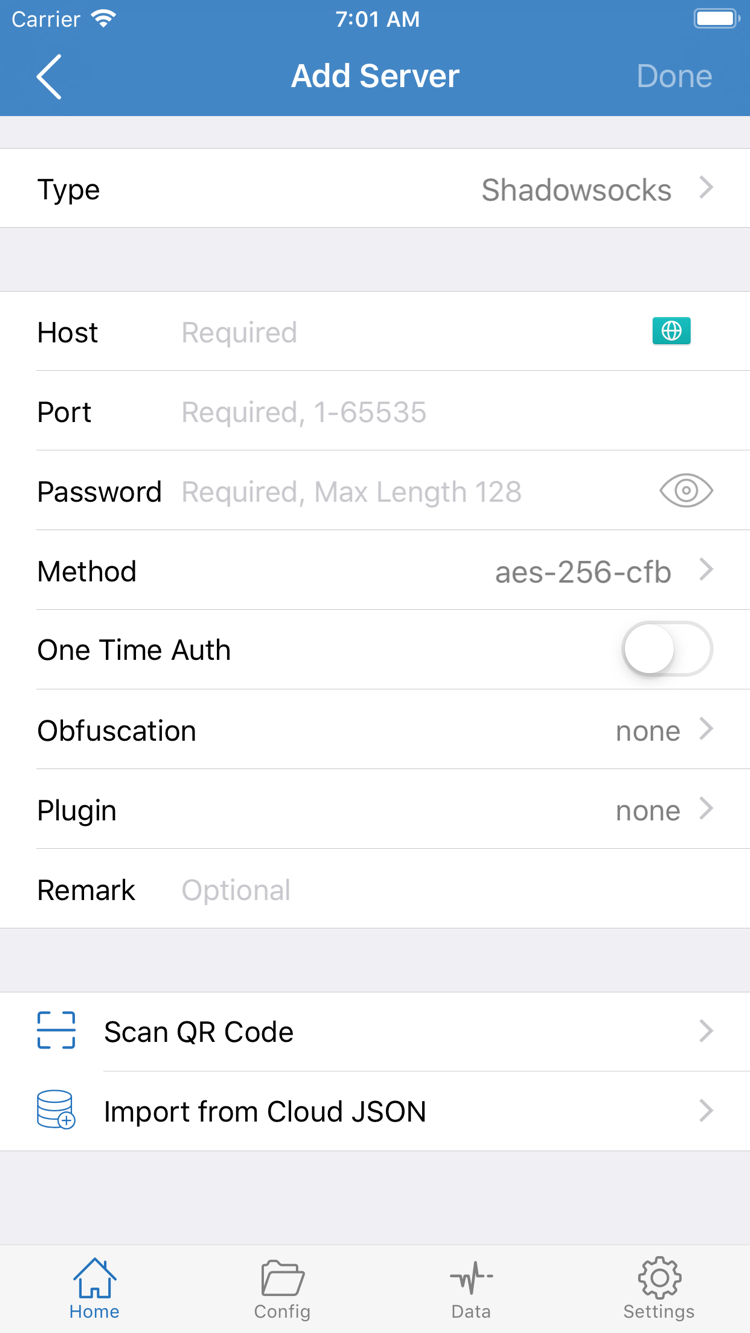
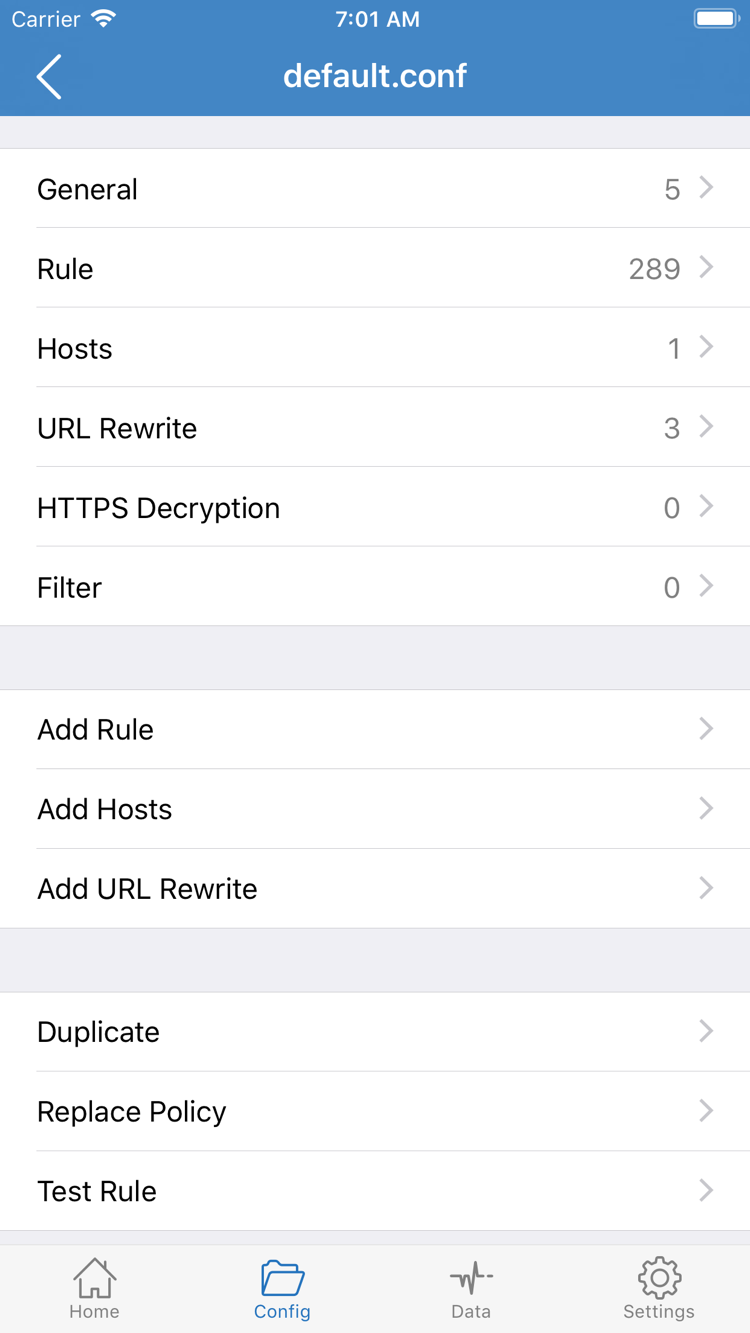
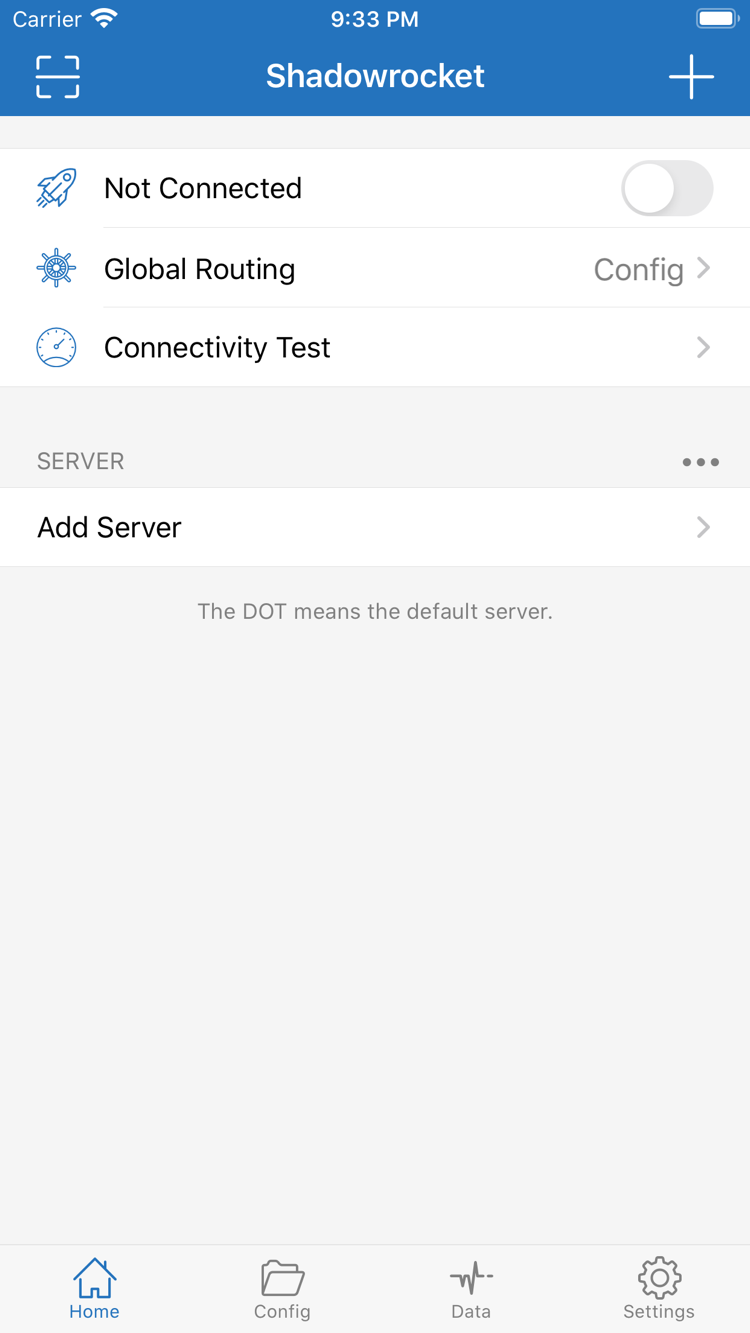
After connecting, return to Home and use Connectivity Test to check the current server. Before starting, confirm that the test is for the server you actually selected. Wait for it to finish before comparing results. The test reflects its chosen method and the network conditions at that time; it doesn’t show that every app or destination is working. Don’t treat a single test result as a measure of long-term performance or infer real-world access from the order of servers in the list.
Record test results separately from access results
First open a page that you can usually access directly on your current network to confirm that the device’s basic connection works. Then visit the destination you actually need to check and see whether it loads. If the test succeeds but the destination fails, check routing rules, the destination itself, and relevant connection records instead of immediately deleting every server. If the test fails but some pages still open, those requests may be using DIRECT, or the test method may use a different route from real requests.
In Config mode, interpret results in light of the active rules. If a destination matches DIRECT, a successful page load doesn’t test the proxy server. If it matches REJECT, the failure may be expected. In the app’s connection records, check the destination domain, matching rule, and applied policy. If the records don’t provide enough information, leave the result as uncertain rather than inferring the route for all traffic from one page load.
Narrow it down with one comparison
If you suspect a rule issue, note the original settings, temporarily switch to Proxy, and revisit the same destination using the same server. If the result changes, check which rule matched in Config. If it doesn’t, check the server parameters and current network. You can briefly use Direct to check the local network, but that’s only a diagnostic step—not evidence that the proxy connection works.
When you’re done comparing, restore the original Global Routing mode so you don’t mistake a troubleshooting setting for your regular setup. At minimum, record the current network, server note, routing mode, Connectivity Test status, and destination access result. Use a label that makes sense to you; you don’t need to share the server address. If these checks don’t explain the issue, follow the troubleshooting steps below in order.
Check in this order: Device is online → details are imported → selected server passes its test → connection status is clear → destination uses the expected policy → actual access matches expectations.
If you haven’t confirmed one step, resolve it before moving on. Don’t use a later one-off success as a substitute for checking the earlier steps.